

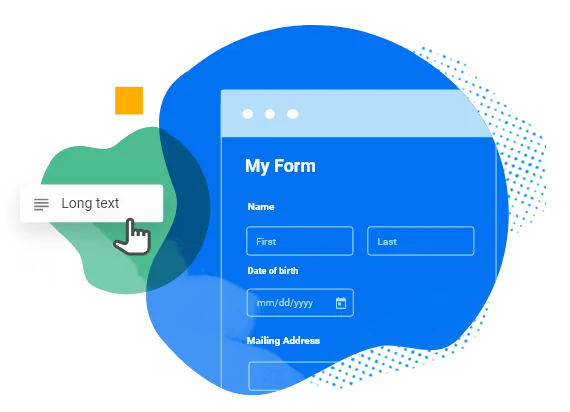
Create a customizable form that suits the business requirements of the users without coding. Embed the custom form anywhere on the website and generate ticket after each form submission.
Features include as below:
Create form by choosing the options and element fields and seeing them in action on the same screen;
Create the following fields in the form:
- Section Header
- Single line text field
- Multi-line or paragraph text field
- Checkbox options – allow you to turn multiple values on and off.
- Dropdown options – allows the user to choose one value from a list
- File upload – with restriction to upload a certain type of file and limit the file size
- Date selection – Enable users to enter dates of their choice on a form, such as start and end dates for a particular event
- Insert tabular form – helpful in taking survey or opinions

Apart from the above fields, system also has pre-configured fields such as:
Username
Password
Email
Date
Website
Hyperlink
All the fields further have design and validation options
Label of the field
Hide or Not Hide the labels
Placement of the field
Description of the field
Required or Not Required fields
Size of a field


Create one field and also copy the same field to quickly create another field. Useful when you have a big form with similar fields
Drag-drop the fields;
Archive, clone, edit, delete and deactivate forms
View form submissions
Set permission(only accessible or editable by whom)
Export submissions
Capability to view ticket details and reply email
Mapping your existing database with Form Builder